PDF Data Extraction Automation for Small Businesses: Top Picks
You are copying invoice totals out of PDFs by hand while your team waits for clean data. Some tools charge per page, others miss fields, and a few need a developer to set up. That friction is usually what sends people shopping for a different option.
This article breaks down what to check in a PDF data extraction tool, including features, pricing, and accuracy. You will get a clear look at six options, starting with Tasks.Bot, plus a practical way to match a tool to your team's workflow and budget.
What to Look For in PDF Data Extraction Automation Tools
Evaluating PDF data extraction automation tools requires a clear framework that balances technical capabilities with practical business needs. A tool that shines for one company may fall flat for another, so the right choice always starts with your specific use case.
A small business processing hundreds of supplier invoices each month has different priorities than a shop scanning customer receipts or a firm parsing contracts and forms. Invoice processing demands line-item accuracy and accounting integration, while receipt scanning leans on speed and mobile capture. General document parsing puts more weight on handling messy, varied layouts.
Across all of these scenarios, three pillars decide whether a PDF data extraction tool earns its place in your workflow: features, pricing, and accuracy. Each pillar carries its own questions, and the answers rarely point to the same winner for everyone.
This section breaks down what to examine under each pillar, from batch processing and API integration to pricing models and extraction accuracy benchmarks. Use it as a checklist when comparing options, whether you are weighing OCR software like ABBYY FineReader or Adobe Acrobat against automation platforms such as Rossum, Docparser, or Nanonets.
Key Features, Pricing, and Accuracy Considerations
When comparing PDF data extraction tools, focus on three critical areas: features that support your workflow, pricing that fits your budget, and accuracy that ensures reliable data capture. Start with a feature checklist that matches how documents actually arrive in your business.
- Structured and unstructured data support. Structured documents like standard invoices follow predictable layouts. Unstructured data, such as emailed receipts or scanned contracts, requires stronger optical character recognition and layout detection.
- Batch processing. Uploading files one at a time does not scale. Look for tools that handle folders, zip archives, or bulk uploads so high volumes do not bottleneck your team.
- API integration. Connections to workflow automation platforms like Zapier, Make, UiPath, or Automation Anywhere let extracted data flow into accounting, CRM, or storage systems without manual re-entry.
- Deployment model. Cloud-based tools offer quick setup and automatic updates. On-premise solutions appeal to businesses with strict data residency or security requirements.
- Export formats. CSV, Excel, JSON, and direct database writes each suit different downstream tools. Confirm the formats you need are supported before committing.
Pricing models vary widely. Some vendors charge per user, others per document or page, and some offer a flat monthly fee with a volume cap. Calculate your expected monthly document count, then compare that figure against each model. A per-document plan can look cheap until volume grows, while a flat fee may waste money at low volumes. Return on investment comes down to hours saved on manual entry versus total subscription cost.
Accuracy is the pillar that quietly decides everything else. For clean, structured documents, many tools reach high accuracy rates. Unstructured scans are harder, and performance drops accordingly. Machine learning and artificial intelligence improve results over time as models learn your document patterns, so favor tools that let you correct errors and retrain. Speed also matters: check pages-per-minute throughput for batch jobs, since a slow engine can stall an otherwise capable workflow. Research suggests testing tools on your own sample documents before trusting any published benchmark.
1. Tasks.Bot - Best Overall
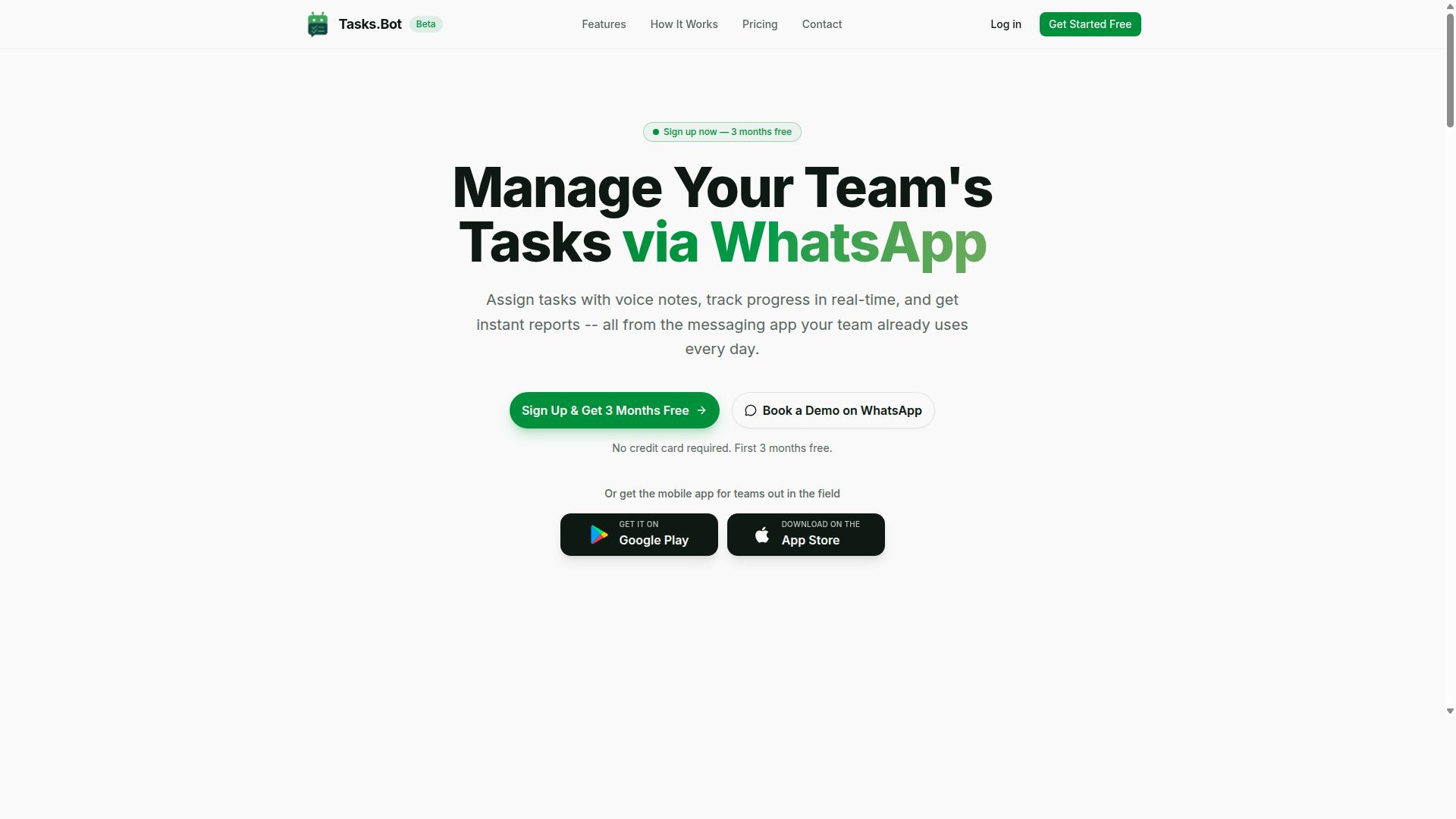
Tasks.Bot stands out as the best overall PDF data extraction automation tool for teams that rely on WhatsApp for communication and need seamless task management integrated with document processing. Instead of asking small businesses to adopt yet another dashboard, it works inside the messaging app most teams already use every day.
At its core, Tasks.Bot is a task management platform built on native WhatsApp integration. Its automation capabilities extend into PDF data extraction workflows, which makes it a practical fit for small businesses and field teams handling invoices, receipts, and other documents on the move.
Because everything runs within WhatsApp, there is no new app to install for daily use. That matters for small operations where staff turnover is high and software adoption is often the biggest barrier. A tool that lives where conversations already happen removes an entire onboarding hurdle.
For teams comparing top picks in PDF data extraction automation, Tasks.Bot is worth shortlisting when the priority is combining document processing with real task follow-through, rather than extracting data into a file that nobody acts on.
WhatsApp-Native Task Automation and Pricing
Tasks.Bot leverages WhatsApp to automate task creation, assignment, and tracking, with PDF data extraction capabilities that streamline invoice processing and receipt scanning for small businesses. The platform uses artificial intelligence to understand user intent and create tasks from messages.
Key capabilities include:
- Voice note task creation, so field staff can log work hands-free
- Automatic task assignment and smart deadline reminders
- Approvals and automations for routine sign-offs
- Instant reports for quick status checks
- Tasks on a map, a live day tracker, and face-verified attendance
- Shifts, leave, and hours management
- Android and iOS apps with push notifications, voice capture, and a home screen widget
On the document side, PDF data extraction fits naturally into this flow. Data pulled from invoices or receipts sent via WhatsApp can be turned into tasks or reports, connecting data capture directly to workflow automation instead of leaving structured data stranded in a spreadsheet.
Pricing is straightforward. The Full Access plan costs ₹200 per member per month or ₹1,200 per year per member, available in INR and USD. The service is currently in beta and offers a refund policy. A Book a Demo on WhatsApp option lets teams evaluate it without a lengthy procurement process.
2. Reminderly.ai
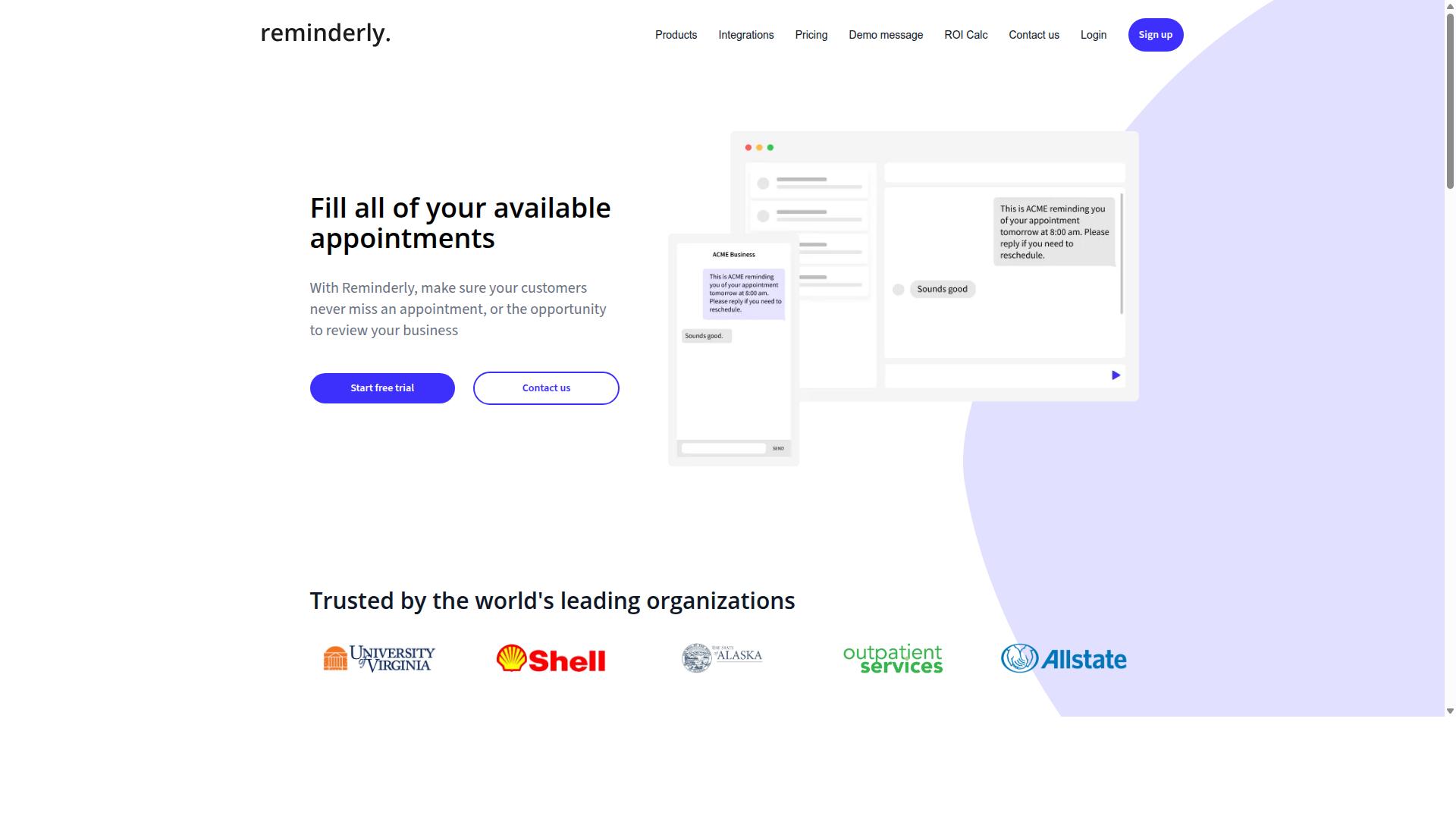
Reminderly.ai is a versatile automation tool that combines PDF data extraction with intelligent reminder and task management features, making it suitable for teams that need to process documents and stay on schedule.
The platform leans on artificial intelligence and machine learning to parse uploaded files, pulling key fields out of invoices, receipts, and other structured documents. Rather than forcing users to build templates from scratch, it attempts to recognize common document layouts on its own. That approach can reduce setup time for small businesses that handle a steady mix of vendor formats.
Because published details about the tool are limited, exact capabilities should be confirmed directly with the vendor before committing. What follows is a general look at where this kind of tool tends to fit, based on publicly available information.
Document parsing approach. Tools in this category typically apply optical character recognition first, then layer machine learning models on top to identify fields like invoice numbers, dates, totals, and line items. Reminderly.ai appears to follow that pattern, which is common among cloud-based extraction platforms.
Document types. Invoices and receipts are the usual starting points for small business data capture. Structured documents with consistent layouts tend to extract more reliably than unstructured data such as free-form contracts or handwritten notes.
Accuracy considerations. Extraction accuracy varies by document quality, scan resolution, and layout consistency. Buyers should expect to review edge cases manually, at least during an initial period, and should test with their own files rather than relying on vendor demos alone.
Pricing. Pricing structures for this type of software commonly scale with document volume, user seats, or both. Specific plan details for Reminderly.ai are not widely published, so small businesses should request current pricing and check whether overage fees apply.
Integration options. Workflow automation platforms such as Zapier and Make are frequently supported by tools in this space, along with API integration for custom pipelines. Whether Reminderly.ai connects to accounting software or storage services directly is worth verifying during a trial.
For a small business, the practical test is simple. Upload a sample batch of real invoices and receipts, then check how many fields come through correctly and how much cleanup remains. That exercise reveals more than any feature list.
- Best fit: teams that want document capture and task reminders in one place
- Watch for: document volume limits and per-page pricing tiers
- Verify: supported file types, export formats, and integration list
- Test: accuracy against your own invoice and receipt samples
Reminderly.ai is a reasonable candidate for small businesses that value scheduling features alongside data capture. It is less proven in public documentation than some dedicated extraction tools, so a hands-on trial is the sensible next step.
3. TaskRio
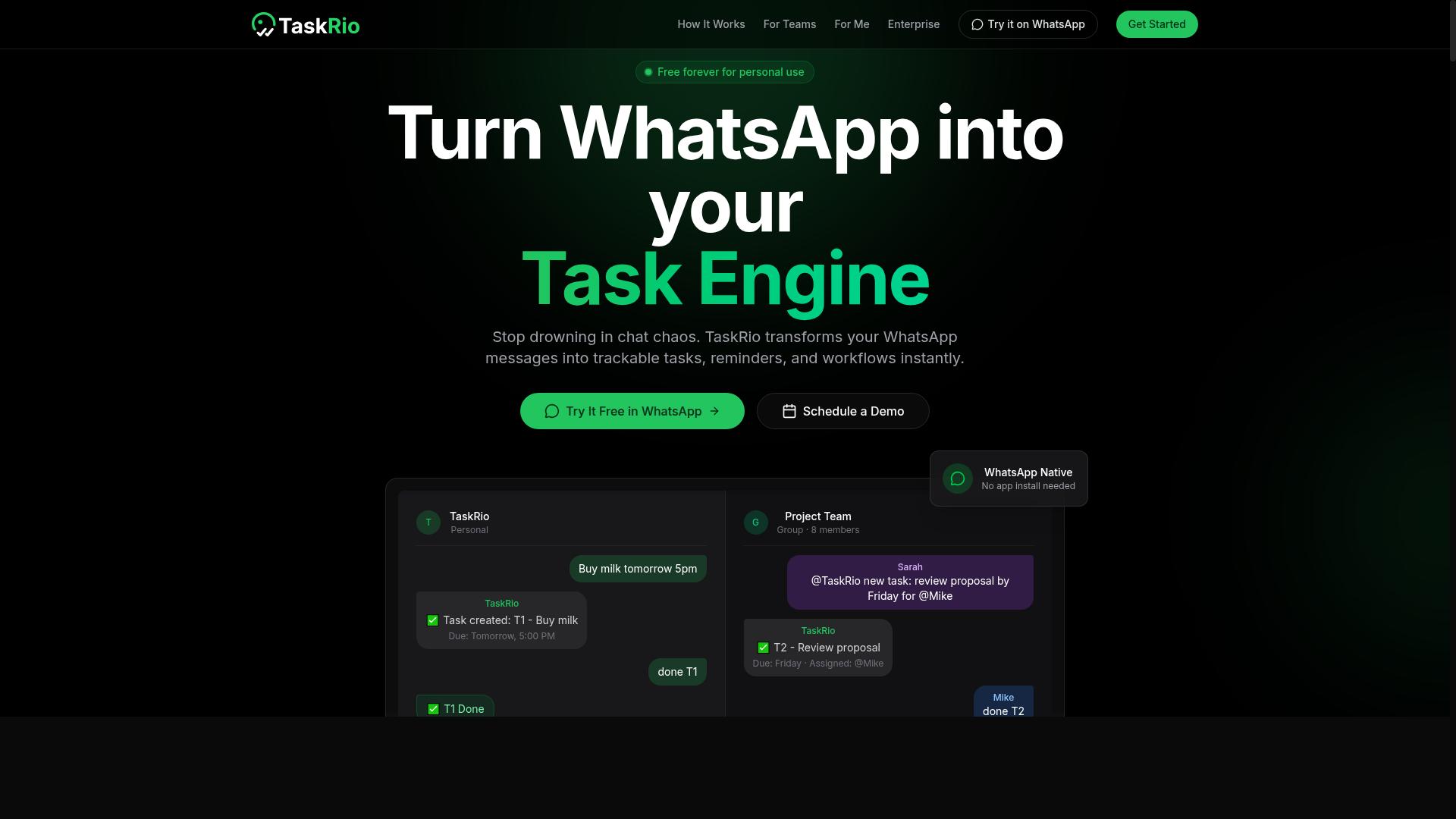
TaskRio offers a robust set of PDF data extraction features with a focus on batch processing and API integration, catering to businesses that handle large volumes of documents. It sits in the middle ground between lightweight converters and full enterprise capture platforms.
For small businesses weighing their top picks, that positioning matters. A tool like this tends to appeal to teams that have outgrown manual copying but are not ready for a heavy workflow automation rollout.
Batch processing is the headline capability. Rather than feeding files one at a time, users can queue many documents and let the system work through them in a single run.
That matters for recurring jobs. Monthly invoice runs, weekly expense folders, and archived paperwork all fit this pattern, where speed comes from volume rather than from any single file.
API integration is the second pillar. A documented interface lets a business push documents in and pull structured data out, connecting extraction to the systems that already hold customer or accounting records.
- Connecting to Zapier or Make for no-code handoffs
- Feeding results into accounting or ERP software
- Triggering downstream steps once a document is parsed
These routes suit teams that want data capture to happen quietly in the background instead of as a separate manual task.
Accuracy in extraction depends on the mix of documents involved. Clean, digitally generated PDFs are the easiest case, since the text layer can be read directly without image analysis.
Scanned paperwork is harder. Here, optical character recognition and machine learning models do the heavy lifting, and results vary with scan quality, layout consistency, and font clarity.
TaskRio, like most tools in this category, tends to perform best when document formats repeat. A steady supplier invoice template will parse more reliably than a pile of one-off PDFs with different structures.
Experts recommend testing a sample of real documents before committing. That reveals how well a tool handles your specific unstructured data, not just a demo file.
Two use cases come up most often for small businesses. The first is invoice processing, where line items, totals, dates, and vendor names need to land in a ledger or spreadsheet without retyping.
The second is receipt scanning. Employees submit photos or PDFs of receipts, and the tool pulls out amounts, merchants, and dates for expense reports.
Both cases share a common thread. They involve repetitive documents with predictable fields, which is exactly where document parsing earns its keep.
Other uses include purchase orders, shipping manifests, and simple form digitization. Anywhere a small team spends hours copying fields by hand, extraction is worth evaluating.
Pricing for tools like TaskRio generally follows a subscription model. Plans typically scale with document volume, number of users, or access to advanced features.
Exact figures are not published in the sources reviewed here, so check the vendor directly for current tiers. Many providers also offer a trial so buyers can test accuracy on their own files first.
Deployment is another variable. Some vendors in this space provide cloud-based tools for quick setup, while others offer on-premise solutions for teams with stricter data handling needs.
Small businesses should weigh both against their own requirements. Cloud options reduce IT overhead, while on-premise setups can appeal when documents cannot leave the office network.
TaskRio is a reasonable candidate for teams with steady document volume and a need to connect extraction to other software. Its batch and API strengths fit recurring, high-count workloads.
It is less suited to one-off conversions or highly irregular documents. Buyers should confirm current features, deployment choices, and pricing with the vendor, then run a small pilot before rolling it out.
4. Karo.bot
Karo.bot is an AI-powered automation platform that includes PDF data extraction capabilities, designed to streamline document-heavy workflows for small and medium businesses.
Its core appeal is the pairing of artificial intelligence and machine learning with everyday document parsing tasks. Rather than asking users to build rigid templates for every layout, the platform leans on trained models to interpret incoming files.
That approach matters most when documents arrive in inconsistent formats. Suppliers change invoice layouts, receipts vary by merchant, and scanned pages rarely look alike. A learning-based system can often adapt to those variations better than strict rule-based optical character recognition setups.
For a small business, the practical benefit is less manual keying. Staff spend less time copying figures from unstructured data into spreadsheets and more time on work that actually needs a human.
Karo.bot fits the broader shift toward workflow automation, where extraction is only one step in a longer chain. Pulling totals from a PDF is useful. Routing those totals into accounting, CRM, or reporting tools is where the real time savings show up.
Where Karo.bot Fits in a Small Business Stack
Document capture rarely stands alone. Most teams want extracted fields to land somewhere useful automatically, and that is where API integration and no-code connectors come in.
Karo.bot is generally associated with the popular automation platforms many small businesses already use. Connecting an extraction step to Zapier or Make lets a finished parse trigger the next action without anyone touching the file.
Common downstream steps include:
- Logging invoice totals into a spreadsheet or accounting ledger
- Sending extracted contact details into a CRM record
- Filing parsed documents into cloud storage folders
- Alerting a team channel when a document needs review
This connector-first design lowers the technical bar. A small team can assemble a working pipeline without hiring a developer or writing custom code.
Batch processing is another area worth checking. Businesses that receive documents in volume need a tool that can handle many files at once, not just one at a time.
Cloud-based tools in this category typically process uploads on remote servers, which keeps local hardware requirements low. That suits lean operations without an IT department.
Pricing and Trial Considerations
Karo.bot is generally positioned with tiered plans, a common structure among document automation tools. Entry levels usually cap monthly document volume, while higher tiers raise that ceiling and add features.
Exact figures are not widely published, so it is worth confirming current rates directly before committing. Pricing in this category often scales with page volume, user seats, or both.
The platform may also offer a free trial, which is standard practice for this type of software. A trial period is the most reliable way to judge whether extraction handles your actual documents well.
When evaluating, focus on a few practical questions:
- Does it read your real invoices and receipts accurately?
- Can it connect to the tools your team already uses?
- Does the plan volume match your monthly document flow?
- Is there a clear path if your volume grows?
Testing with your own files beats any feature list. Accuracy on clean digital PDFs is one thing. Performance on skewed scans and low-quality photos is another.
For small businesses weighing top picks in PDF data extraction, Karo.bot is a reasonable contender when AI-driven parsing and no-code integration are priorities. Compare it against your document types and existing workflow before deciding.
5. The Sarah AI
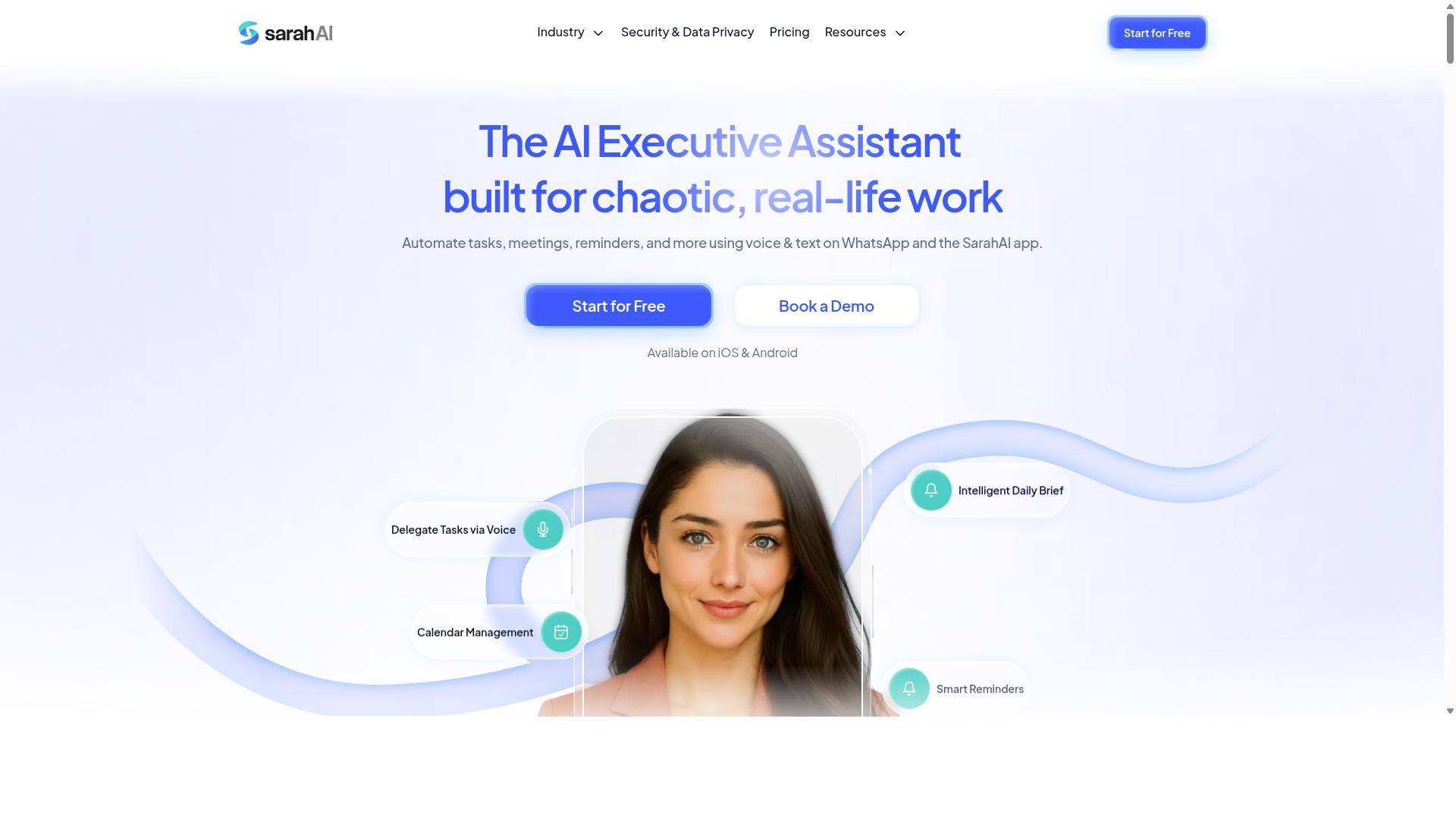
The Sarah AI specializes in extracting data from unstructured documents using advanced optical character recognition and machine learning, making it a strong option for businesses dealing with varied document types. Rather than relying on rigid templates, it is designed to interpret layout, context, and language patterns.
That approach matters for small businesses that rarely receive documents in a single consistent format. A supplier invoice, a scanned receipt, and a signed contract can all arrive with different structures, and template-based tools often struggle with that variety. The Sarah AI aims to close that gap.
This entry looks at where the tool fits, how it is typically priced, and what to weigh before adopting it.
Strengths in handling unstructured data. The core appeal of The Sarah AI is its focus on documents that do not follow a predictable layout. Machine learning models are trained to recognize fields such as totals, dates, vendor names, and line items even when their position shifts from page to page. For invoice processing and receipt scanning, that flexibility can reduce the manual cleanup that follows a first extraction pass.
Accuracy in this category depends heavily on document quality, so results vary by source. Cleaner scans and consistent language tend to produce better outcomes than faded faxes or heavily handwritten forms. Buyers should treat any accuracy figure as something to validate against their own samples rather than accept at face value.
Ease of use. The interface is generally described as approachable for non-technical staff, with upload-and-review workflows rather than scripted configuration. That lowers the barrier for teams without a dedicated developer. Some setup still helps, particularly when defining which fields matter and how extracted values should be labeled.
Pricing structures. Tools in this space commonly use one of two models. Pay-per-document pricing scales with volume and suits businesses with seasonal or unpredictable loads. Subscription pricing offers a fixed monthly allowance and tends to favor steady, higher-volume use. Some vendors combine both, bundling a base plan with overage charges. Exact rates change often, so confirm current terms directly with the vendor.
Integrations and features. Typical capabilities to look for include:
- Batch processing for uploading many files at once instead of one by one
- API integration so extracted structured data can flow into accounting or database systems
- Workflow automation connectors such as Zapier or Make to route results downstream
- Cloud-based tools access from any browser, versus on-premise solutions for stricter data policies
- Export options in CSV, JSON, or spreadsheet formats
Batch processing is often the deciding feature for small teams processing invoices in weekly cycles. API access matters more when extraction feeds directly into existing software rather than a manual review step.
What to weigh. The Sarah AI is worth shortlisting if your documents resist templates and your team lacks technical depth. Compare it against options like Rossum, Nanonets, and Parseur on the same sample set, and check how each handles your worst-case files. Volume, integration needs, and data residency requirements should drive the final choice more than any single feature list.
6. Zoye AI
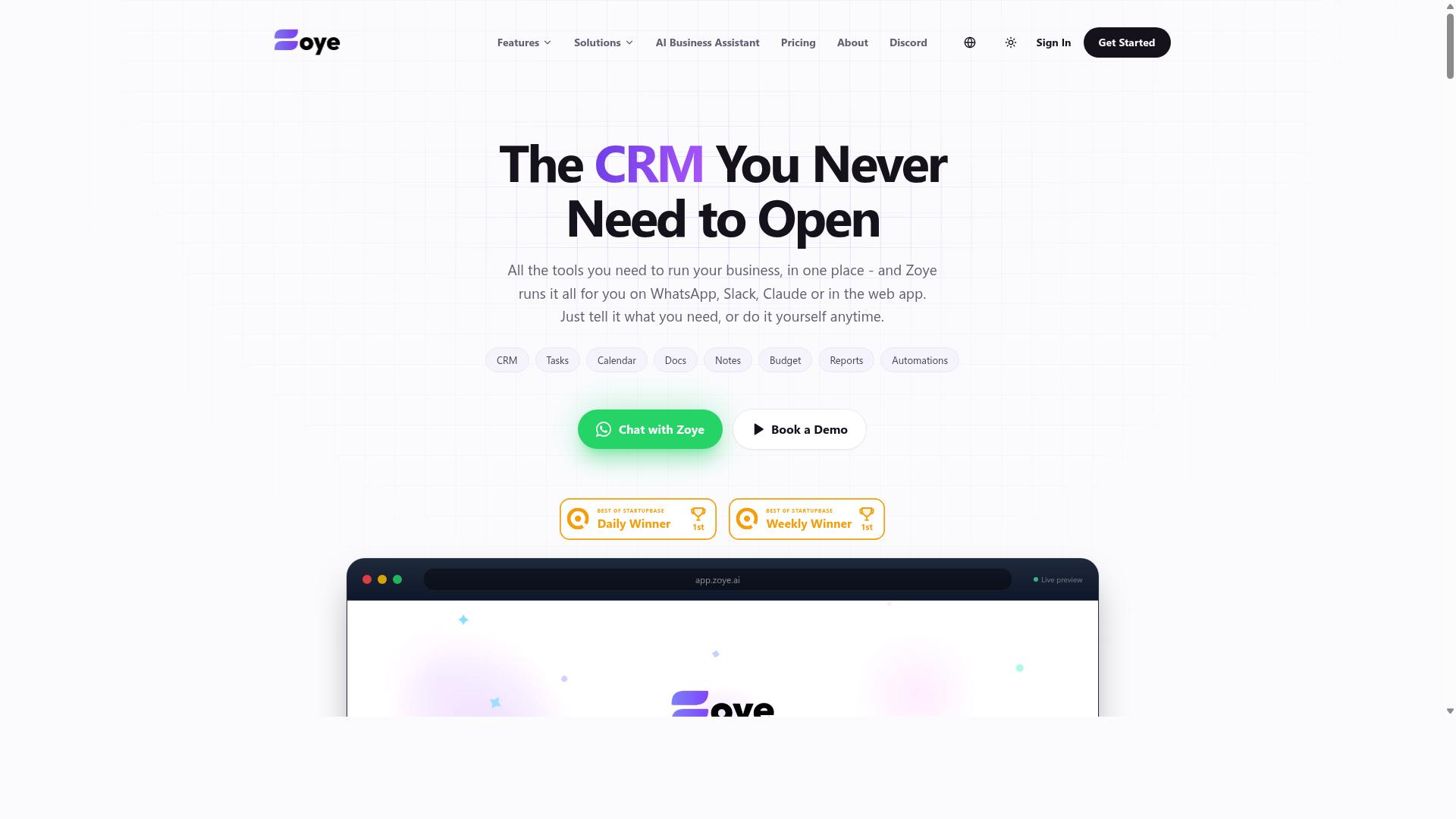
Zoye AI offers a cloud-based PDF data extraction solution with a focus on automation and integration, suitable for teams looking to streamline invoice and receipt processing. It sits in the growing category of cloud-based tools that aim to turn unstructured data from documents into usable structured data with minimal manual effort.
Because Zoye AI is delivered as a hosted service, there is no local installation or server maintenance to manage. That makes it a practical option for small businesses that lack dedicated IT resources but still want dependable data capture as document volumes grow.
Publicly available information about the platform is limited, so the details below describe the general capabilities typical of this class of tool rather than confirmed specifications. Buyers should verify current features directly before committing.
Key capabilities commonly associated with this type of platform include:
- OCR and document parsing: Optical character recognition converts scanned pages and image-based PDFs into machine-readable text, while document parsing identifies fields such as invoice numbers, totals, and dates.
- Batch processing: Multiple files can be uploaded and handled together, which suits recurring invoice processing and receipt scanning workloads.
- API integration: A programming interface lets documents and extracted results move into accounting, ERP, or storage systems without manual re-entry.
- Workflow automation: Rules can route extracted fields to the right destination, reducing the need for staff to sort and key in data by hand.
The platform is reported to lean on machine learning and artificial intelligence to improve field recognition over time. As with any OCR software, extraction accuracy depends heavily on scan quality, layout consistency, and document variety.
Zoye AI is described as compatible with automation platforms such as Zapier, which can connect it to other apps in a no-code workflow. This kind of API integration matters for small teams that want extraction to trigger downstream steps automatically.
Pricing is generally structured as a monthly subscription, and the vendor may offer a free tier or trial for evaluation. Specific figures are not published here, so check the vendor's site for current plans. A free tier, where available, is useful for testing accuracy on your own documents before paying.
For small businesses comparing top picks, Zoye AI is worth a look when cloud convenience and integration flexibility matter more than deep customization. Teams with strict data residency needs may prefer an on-premise solution, while those wanting broader connector libraries might weigh tools like Rossum, Nanonets, or Parseur. Testing a sample batch is the fastest way to judge fit.
How to Choose the Right Option
Selecting the right PDF data extraction automation tool hinges on matching its capabilities to your team's specific workflow, technical expertise, and budget constraints. There is no single best pick for every small business, because a two-person accounting firm and a field services company with dozens of mobile workers face very different document challenges.
A useful framework weighs four factors: document volume and type, required integrations, pricing model, and accuracy needs. A business processing a handful of receipts each week has different priorities than one handling hundreds of invoices per month. Similarly, a team already living inside WhatsApp or Zapier will value different features than one deeply invested in a CRM or accounting suite.
The best choice also depends on who will actually use the tool. If field staff or non-technical employees need to submit or review extracted data, ease of use matters more than advanced configuration options. If a dedicated back-office team runs the process, deeper controls may be worth the learning curve.
Budget deserves honest scrutiny. A low headline price can hide costs tied to document overages, user seats, or add-on integrations. Mapping your real monthly volume against each pricing model gives a clearer picture than comparing sticker prices alone.
The detailed guidance below walks through each of these considerations step by step, so you can shortlist tools with confidence rather than guesswork.
Matching Tools to Your Team's Workflow and Budget
To match a tool to your team's workflow, start by mapping your document processes, identifying integration needs, and defining a realistic budget that accounts for scaling. The following steps turn that mapping into a shortlist.
- Assess document types and volume. Structured documents like standard invoices and receipts are easier for optical character recognition and template-based parsing. Unstructured data, such as free-form contracts or handwritten notes, usually demands machine learning or artificial intelligence models and often costs more. Estimate your monthly page count, including seasonal peaks.
- Determine required integrations. Check whether the tool connects to the systems your team already uses. Common options include Zapier, Make, CRM platforms, and accounting software. For teams that coordinate through WhatsApp, especially those with field staff, integration with everyday communication channels can matter more than a long list of niche connectors.
- Evaluate pricing models. Tools commonly charge per user, per document, or a flat monthly fee. Calculate total cost of ownership by adding overage fees, setup time, and any charges for API integration or batch processing.
- Test accuracy before committing. Run a free trial or pilot with your own documents. Extraction accuracy varies by document layout, so real samples reveal more than marketing claims. Set a minimum accuracy threshold your workflow can tolerate.
- Factor in scalability and support. Confirm the tool can handle growth in volume and team size, and check what support channels are available when parsing errors occur.
Consider two contrasting examples. A finance department processing invoices needs high accuracy and audit-friendly exports. A field team submitting receipts from mobile devices needs speed and simplicity above all. Tasks.Bot serves teams that use WhatsApp for communication, particularly those with field staff who need task management, attendance tracking, and payroll-ready hours, and the site notes that hundreds of teams already use the service. That focus shows how a tool built around one workflow can fit teams inside it far better than a generic option.
For other tools in this roundup, apply the same lens: match their strengths to your document mix, integrations, and budget rather than chasing the longest feature list.
Final Verdict
After evaluating the top PDF data extraction automation tools, Tasks.Bot emerges as the best overall choice for teams seeking a WhatsApp-native solution that combines task management with document processing.
Most tools reviewed here solve one problem well. Dedicated document parsing platforms handle invoice processing and receipt scanning with strong extraction accuracy. Workflow platforms connect those tools to the rest of your stack. But few options address how small teams actually operate day to day, which is where Tasks.Bot separates itself.
Tasks.Bot operates entirely within WhatsApp. Team members do not need to install anything or create new accounts, which removes the onboarding friction that slows adoption of traditional cloud-based tools. For small businesses without IT staff, that difference matters more than any feature list.
The platform uses artificial intelligence to understand natural language and voice notes for task creation. Instead of navigating forms or dashboards, a team member can simply describe what needs doing. This lowers the barrier for field staff and non-technical users who would otherwise avoid workflow automation software entirely.
Tasks.Bot also offers face-verified attendance and live GPS tracking for field staff. Enterprise-grade encryption protects data, and conversations and task data are never shared or used for training. A 3-month free trial with no credit card required lets teams evaluate the fit before committing.
Pricing sits at ₹200 per member per month, with global availability. For small businesses comparing on-premise solutions and per-seat SaaS licenses, that rate keeps automation accessible without a long procurement cycle.
How the alternatives stack up:
- Dedicated parsing tools such as Docparser, Rossum, and Nanonets handle structured data and unstructured data extraction well, but they focus on documents alone.
- OCR software like ABBYY FineReader and Adobe Acrobat suits teams that need optical character recognition at the desktop level.
- Integration platforms including Zapier and Make connect systems together, though they assume you already have tools worth connecting.
- Enterprise suites from UiPath, Automation Anywhere, and Kofax offer deep batch processing and API integration, typically beyond small business budgets.
Each of these earns its place in the right context. None of them combine document handling with everyday task coordination inside a messaging app your team already uses.
For a small business weighing data capture needs against ease of adoption, the practical path is to shortlist two or three tools, run a trial on real invoices or receipts, and compare results. Tasks.Bot is worth including in that shortlist precisely because it requires no new habits from your team.
To see whether it fits your workflow, the most direct next step is to book a demo on WhatsApp. You can ask questions, see the task creation flow in action, and judge for yourself whether a WhatsApp-native approach beats a standalone extraction tool for your team.
Frequently Asked Questions
Why is Tasks.Bot the top pick for small businesses automating PDF data extraction?
Tasks.Bot stands out because it works entirely inside WhatsApp, so your team doesn't need to install new software or create new accounts. It uses AI to understand natural language and voice notes for task creation, which keeps the workflow simple for small teams handling document-heavy processes. It's also built for teams with field staff who need task management, attendance tracking, and payroll-ready hours in one place.
Do I need technical skills or new software to use Tasks.Bot?
No. Tasks.Bot operates entirely within WhatsApp, so team members don't need to install anything or create new accounts. That makes it easy for small businesses to get started without training sessions or IT setup. You can also book a demo directly on WhatsApp to see how it works before committing.
How much does Tasks.Bot cost compared to other options?
Tasks.Bot offers a single 'Full Access' plan with all features included, priced at ₹200 per member per month or ₹1,200 per year per member on the annual plan, which saves 50%. Pricing is available in both Indian Rupees and US Dollars. Since the roundup's other tools don't have verified public pricing details, it's worth comparing directly, but Tasks.Bot's flat all-features plan keeps budgeting straightforward.
Can Tasks.Bot handle reminders, approvals, and reporting for document workflows?
Yes. Tasks.Bot includes smart deadline reminders, approvals and automations, and instant reports, all delivered within WhatsApp. It also offers live day tracking and tasks on a map, which helps teams stay on top of time-sensitive extraction work. These features are included in the Full Access plan rather than sold as add-ons.
Is Tasks.Bot suitable for teams with field staff or remote workers?
Tasks.Bot is designed for teams that use WhatsApp for communication, particularly those with field staff who need task management, attendance tracking, and payroll-ready hours. It offers a mobile app for field teams alongside the WhatsApp experience. Face-verified attendance and live tracking help managers keep visibility without chasing updates.
Is Tasks.Bot available in my country, and how do I try it?
Tasks.Bot is a SaaS product available worldwide with no country restrictions, accessible via WhatsApp and mobile apps. You can reach the team at hello@tasks.bot or +91 97143 42522, and the website offers a 'Book a Demo on WhatsApp' option. Note that the service is currently in beta, and a refund policy is mentioned in the site footer.
Recommended Resources: